
Android App Feature Issue Detection & Monitoring
What are Crucial feature issues in Android apps?
Crucial feature issues in Android applications occur when a critical feature of the app fails to function properly, causing significant impact on the user experience. Examples of such features include payment processing, account login, or data retrieval.
Why it matters
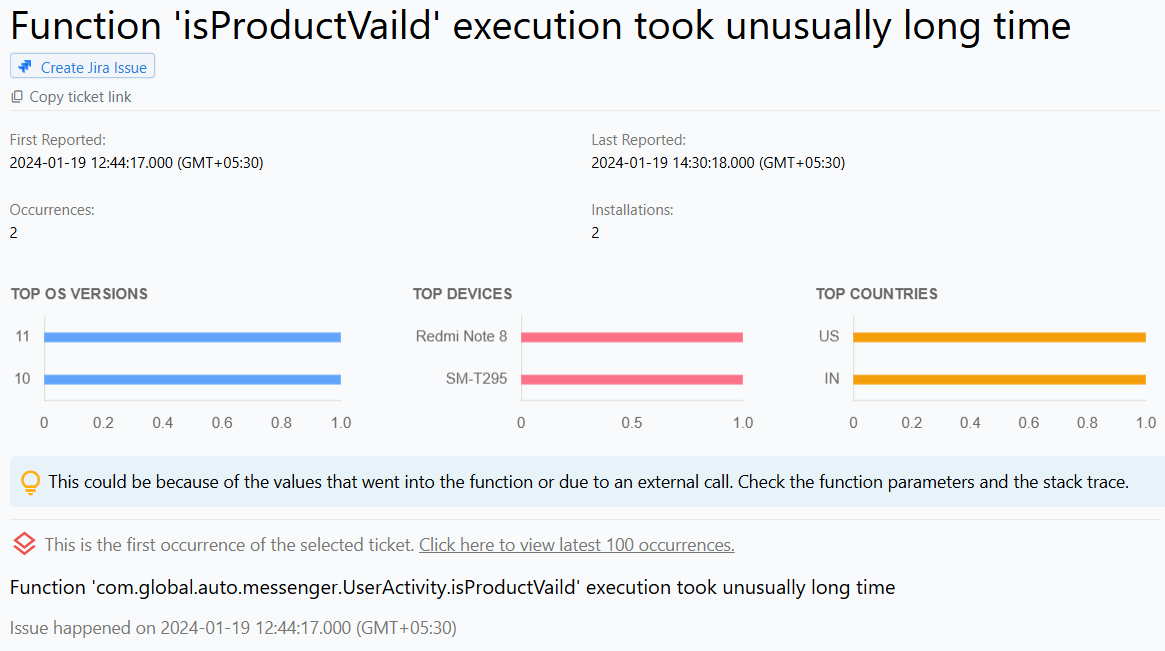
The ability to track crucial features is available in Appxiom SDK. This is done by monitoring the start and end functions of a feature. If any of the feature fails to complete the execution, it will be reported to the dashboard, providing developers with valuable insights into which features are causing issues and need to be addressed.
Why does this happen?
Crucial feature issues in Android applications can occur due to various reasons, such as:
- Programming errors
- Incompatibility issues with certain devices or software versions
- Lack of proper testing
- Insufficient resources, such as memory or processing power
- Security vulnerabilities
- Third-party dependencies
- Network connectivity issues
How to fix it using Appxiom
- Trace activity trail: An issue report for crucial feature issues in Android applications typically includes the name of the invoked function that was not executed, along with the parameters passed to the first function. In addition, the report may include an activity trail that provides chronological information about the events leading up to the issue.
- Trace activity trail: Developers can set custom markers at different points in the feature execution to add granularity to the activity trail and help identify the point of failure more quickly.
Stop guessing. Start fixing.
Get real-time alerts, exact stack traces, and complete activity trails before these issues impact your revenue.
We use cookies to improve your experience.